> For the complete documentation index, see [llms.txt](https://help.margex.com/help-center/llms.txt). Markdown versions of documentation pages are available by appending `.md` to page URLs; this page is available as [Markdown](https://help.margex.com/help-center/it/converter/history.md).
# Storico delle Conversioni
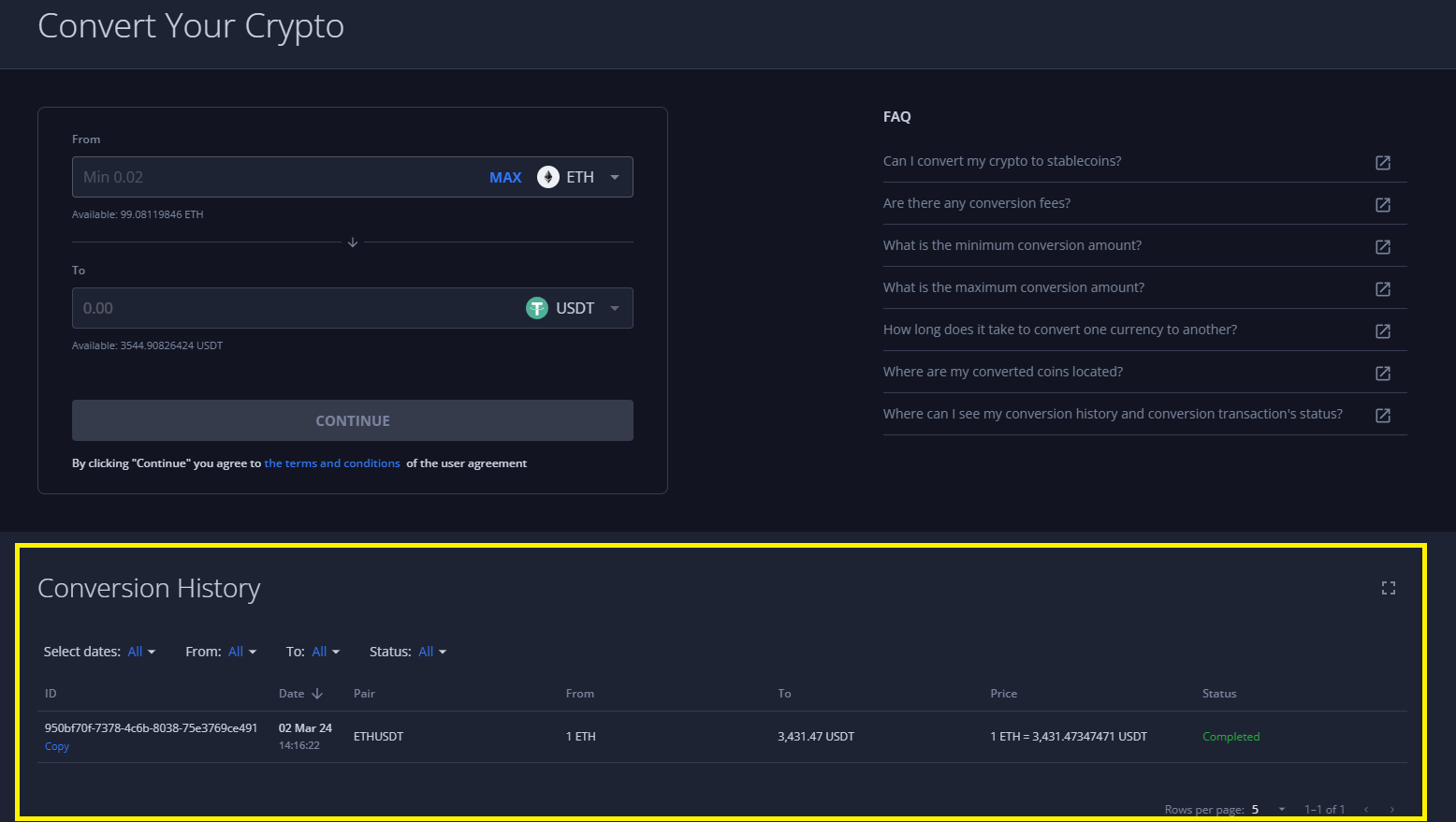
L'intera storia di tutte le tue transazioni di scambio finalizzate e create sarà riflessa nella pagina 'Converti' del tuo account Margex, nella parte inferiore della pagina web, nella sezione 'Storico delle Conversioni':
Inoltre, tutte le transazioni in uscita e in entrata verso/dal tuo Portafoglio saranno riflessi nella pagina 'Portafoglio' del tuo account Margex. Tali transazioni verranno contrassegnate come 'Scambio Uscita' per i collateral che stai scambiando e 'Scambio Entrata' per i collateral che stai ricevendo come risultato della conversione: